YouTube Shorts for Business: Is It Worth It in 2026?
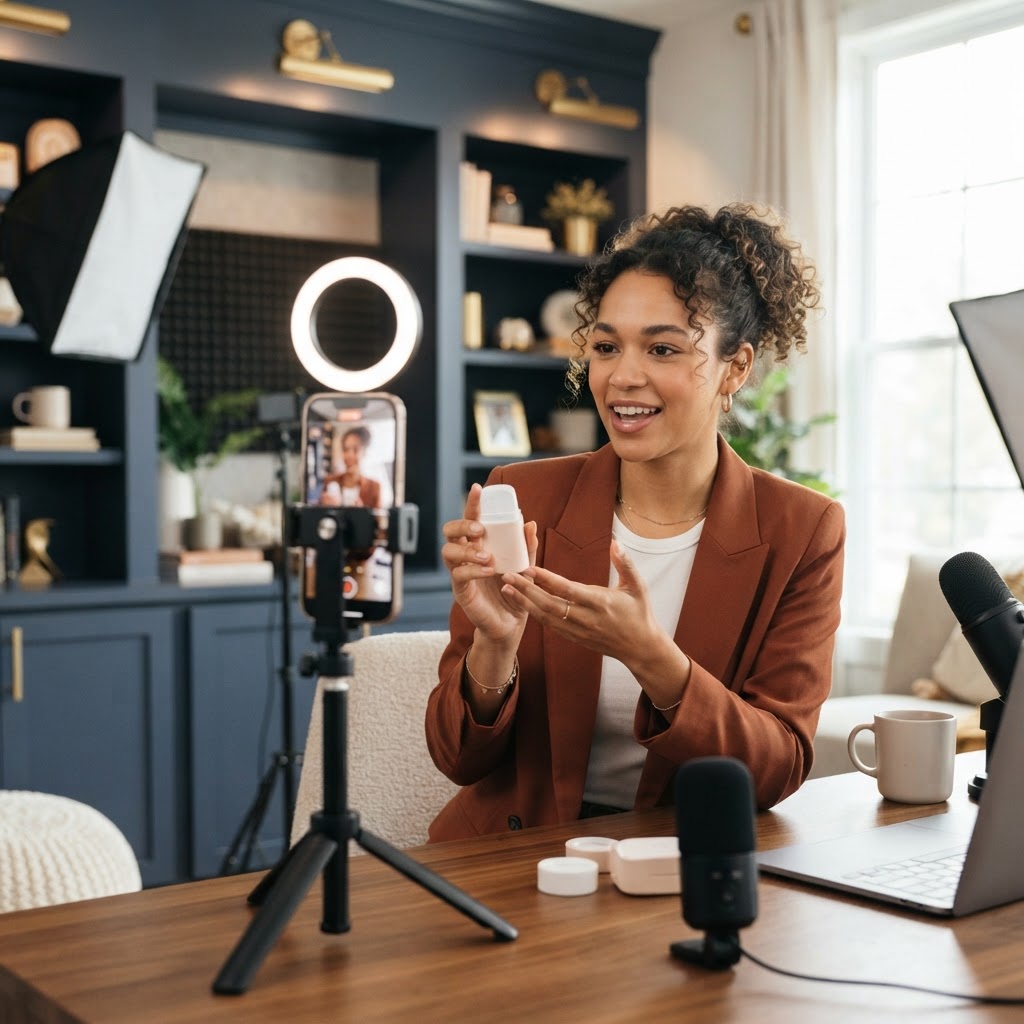
Yes, YouTube Shorts for business is worth it in 2026 for most small businesses that already make vertical video. Shorts gets your videos in front of people searching on the second biggest search engine in the world, and your clips can keep getting found for months, not just days. If you are already filming Reels or TikToks, posting them to Shorts is one of the cheapest ways to get more reach from work you already did.
Here is why that matters. Most business owners we talk to are tired, short on time, and frustrated that their content disappears 48 hours after they post it. Shorts gives your videos a longer shelf life and a direct path to your long-form videos, your channel, and your offer. The trick is knowing what to post, what to skip, and how to set it up so it does not become one more chore on your list.
Key Takeaways
- YouTube Shorts for business works best as an add-on to Reels and TikTok, not a separate content machine.
- As of 2026, Shorts can be up to 3 minutes long if the video is vertical or square, but shorter clips still tend to perform best for most businesses.
- Shorts content often keeps getting views long after posting because YouTube is built around search.
- Your title, first two seconds, and a clear next step matter more than fancy editing.
- The biggest win is not the views. It is sending warm viewers to your channel, your longer videos, and your booking page.
- One shoot day can feed Shorts, Reels, and TikTok for a full month.
What YouTube Shorts Actually Is (and How It Differs From Reels)
YouTube Shorts is YouTube's vertical short video feed. People swipe through it the same way they swipe through Reels or TikTok. The difference is where it lives. Shorts sits inside YouTube, which people use to search for answers, reviews, and how-to help.
That changes how your videos get found. On Instagram, most views come in the first day or two and then fade. On YouTube, a Short that answers a common question can keep popping up in search and in the Shorts feed for a long time. Many creators report Shorts that pick up views weeks or months after posting.
Here is the quick version of shorts vs reels:
- Audience intent: Reels viewers are mostly scrolling for fun. YouTube viewers often show up looking for something specific.
- Shelf life: Reels usually peak fast. Shorts can keep getting traffic from search and suggestions.
- Connection to long videos: Shorts can lead viewers to your longer videos on the same channel. Instagram has no real long-form home.
- Local reach: Instagram is stronger for local discovery through location tags and Stories. YouTube is stronger for "how do I" and "is it worth it" searches.
If you want a deeper comparison of the other two big platforms, read our breakdown of TikTok vs Instagram Reels for business.
Current Shorts Rules to Know in 2026
Platforms change their rules often, so treat these as a snapshot and double check inside YouTube Studio before you build a plan around any one detail.
- Length: As of 2026, Shorts can be up to 3 minutes long. YouTube raised the limit from 60 seconds in late 2024. Your video must be vertical or square to count as a Short. A horizontal video is posted as a regular video.
- Recording in the app: The in-app camera has historically capped single recordings at a shorter length than uploads. Most businesses upload edited files anyway, so this rarely matters.
- Size: 1080 by 1920 pixels (9:16) is the standard. This is the same size as Reels and TikTok, so one edit works for all three.
- Links: YouTube has limited clickable links inside Shorts over the years. You can usually link a Short to one of your longer videos using the related video feature, and you can put links on your channel page. Do not count on a clickable link in the description.
- Monetization: As of 2026, YouTube's partner program requirements for Shorts creators have been reported as 1,000 subscribers plus 10 million valid Shorts views in 90 days for full ad revenue sharing. For most service businesses, ad revenue is a nice bonus at best. Your real money comes from customers.
Just because Shorts can run 3 minutes does not mean yours should. For most business clips, 20 to 60 seconds is still the sweet spot. We cover length in more detail in how long Reels and TikToks should be in 2026, and the same thinking applies here.
Who Should Use YouTube Shorts for Business (and Who Can Skip It)
Not every business needs every platform. Here is an honest way to decide.
Shorts is a strong fit if you:
- Answer the same customer questions over and over (contractors, dentists, lawyers, med spas, coaches, real estate agents).
- Sell something people research before buying, like a service with a big price tag.
- Already post vertical video on Instagram or TikTok and want more reach without more filming.
- Want to build a library of videos that work like a sales team while you sleep.
- Plan to make longer YouTube videos later and want an audience ready for them.
You can probably wait on Shorts if you:
- Are not posting anywhere consistently yet. Fix one platform first.
- Run a business that lives almost entirely on walk-in or impulse buys and gets little search interest.
- Have no way to film at least a few videos each month.
Our honest take: if you are already making Reels, there is almost no reason not to post them to Shorts too. The extra effort is a few minutes per video.
A Simple YouTube Shorts Strategy for Busy Owners
You do not need a separate content plan for YouTube. You need a smart repurposing routine and a few tweaks. Here is the youtube shorts strategy we recommend for small businesses.
Step 1: Set up your channel the right way
- Create a YouTube channel under your business name, or under your own name if you are the face of the brand.
- Write a short channel description that says who you help, where you are located, and what you want people to do next.
- Add your website and booking link to the channel's links section.
- Upload a clear profile photo and a simple banner with your offer or service area.
- Turn on comments so people can ask questions. Those questions become your next videos.
Step 2: Pick 3 content buckets
Keep it simple. Choose three types of videos you can make every month:
- Questions: Answer one real customer question per video. "How long does a roof replacement take?" "Does teeth whitening hurt?"
- Proof: Show a before and after, a finished project, or a quick walk-through of real work.
- Trust: Show your team, your process, or a day behind the scenes.
These three buckets cover search (questions), buying intent (proof), and connection (trust).
Step 3: Write titles people actually search
Titles matter more on YouTube than on Instagram. Write them the way your customer would type into a search bar.
Weak: "Big project day!"
Better: "How Much Does a Kitchen Remodel Cost in Las Vegas?"
Use plain words, include your service, and add your city if you serve a local area.
Step 4: Post 3 to 5 Shorts a week
Consistency matters more than volume. Three Shorts a week for six months will beat 30 Shorts in one week and then nothing. If you already post Reels, post the same edits to Shorts the same day or a day later.
Step 5: Connect Shorts to your offer
Every Short should point somewhere. Use the related video feature to link to a longer video, pin a comment that tells people where to book, and mention your next step out loud at the end of the video. Something like: "If you want us to look at your home, book a free estimate. The link is on our channel."
How to Repurpose Reels and TikToks for YouTube Shorts
Repurposing is where the time savings happen. But there are a few things to clean up first.
- Download a clean version. Avoid posting videos with another platform's watermark. YouTube and Instagram have both said they may show watermarked content to fewer people. Save the original edit from your editing app instead.
- Check the music. Trending audio from Instagram or TikTok may not be licensed on YouTube. Swap it for audio from YouTube's own library, or use original voiceover.
- Rewrite the title. Your Instagram caption might be a joke or a hook. On YouTube, write a searchable title instead.
- Fix on-screen text placement. YouTube's buttons and title sit in slightly different spots than Instagram's. Keep key text in the center of the frame.
- Add a searchable description. Two or three sentences with your service and city is plenty.
If you film in batches, this process gets even easier. Our guide on what a content shoot day is shows how one day of filming can produce a full month of vertical videos for every platform.
15 YouTube Shorts Ideas for Business
Not sure what to post? Steal any of these.
- "3 things I wish customers knew before hiring a [your service]."
- A 30-second before and after.
- "How much does [service] cost?" with an honest range and what changes the price.
- "Is [service] worth it?" answered plainly.
- Your most common myth, busted.
- A quick tour of your shop, office, or studio.
- "What happens at your first appointment" walk-through.
- The biggest mistake people make before calling you.
- A team member introduction.
- A day in the life of your business.
- A customer question from the comments, answered on camera.
- A tool or product you use and why.
- A "do this, not that" comparison.
- A sped-up time-lapse of a full job.
- "Here is what we did for a customer who had [problem]" (no names needed).
Each of these can also run on Reels and TikTok. The difference on YouTube is the searchable title and description.
Mistakes That Kill Shorts Results
We see the same problems again and again when business owners try Shorts on their own.
- Slow openings. If the first two seconds do not grab attention, people swipe. Start with the problem or the payoff, not your logo. A strong hook names the problem or shows the result right away.
- Posting horizontal clips. Horizontal videos will not be treated as Shorts. Always film vertical.
- Vague titles. "Monday vibes" does nothing on a search platform.
- No call to action. Views are nice, but views that never turn into calls are just a vanity number.
- Quitting too early. YouTube can take a while to understand who to show your videos to. Give it a few months of steady posting before you judge it.
- Ignoring comments. Comments are free market research and a signal to YouTube that people care about your video.
How to Measure Whether Shorts Is Working
Views alone do not tell you if YouTube Shorts for business is paying off. Look at these numbers in YouTube Studio each month:
- Viewed vs swiped away: This shows how many people stayed after the first moment. If most people swipe, your openings need work.
- Average view duration: Are people watching most of the clip? If not, cut the slow parts.
- Subscribers gained: Growth here means people want more from you.
- Traffic to your long videos and website: This is where business results start.
- Leads that mention YouTube: Ask every new customer how they found you. Write it down.
If you get steady views but no leads, the content is probably entertaining but not tied to your offer. Add more question and proof videos, and say your next step out loud.
Should You Do It Yourself or Get Help?
Shorts is not hard, but it does take steady effort. Someone has to come up with ideas, write scripts, film, edit, write titles, post on three platforms, and track results. For a busy owner, that is a real part-time job.
Here are the three paths we see:
- Do it yourself: Cheapest in dollars, most expensive in time. Works if you enjoy it and are consistent.
- Film it yourself, hire editing: Good middle ground. Our Editing Basics plan turns your raw footage into 12 edited reels a month, and those edits work on Shorts too.
- Fully done for you: Our team scripts, films, edits, and posts. With our Social Content Package, one shoot day gives you a month of content posted across your accounts.
Frequently Asked Questions
Is YouTube Shorts good for small businesses?
Yes, especially for businesses that answer common questions or sell services people research before buying. Shorts can keep getting found through search for a long time, which helps small businesses that cannot post every single day. It works best as an add-on to Reels and TikTok.
How long can YouTube Shorts be in 2026?
As of 2026, YouTube Shorts can be up to 3 minutes long, as long as the video is vertical or square. Platform rules change often, so check YouTube Studio for the latest limit. For most business content, 20 to 60 seconds still performs best.
Shorts vs Reels: which is better for business?
They do different jobs. Reels is stronger for local discovery and building a community on Instagram, while Shorts is stronger for search and long shelf life. Most businesses should post the same vertical videos to both.
Can I post the same video on Reels, TikTok, and Shorts?
Yes, and you should. Just upload a clean file without another app's watermark, swap any music that may not be licensed on YouTube, and rewrite the title to be searchable.
How often should a business post YouTube Shorts?
Three to five times a week is a strong target for most small businesses. Consistency matters more than volume, so choose a pace you can keep for at least six months.
Can you make money from YouTube Shorts as a business?
You can earn ad revenue once you qualify for YouTube's partner program, but the bar is high and the payouts on Shorts are usually small. For a business, the real return comes from viewers who become customers.
What is a good youtube shorts strategy for a local business?
Answer local customer questions, include your city in titles, show real before and after work, and end every video with a clear next step. Link to your channel and booking page so interested viewers know where to go.
Want Shorts Without the Extra Work?
If you like the idea of YouTube Shorts but do not have the time to script, film, and edit every week, that is exactly what our team handles. We plan your videos, film a full month of content in one shoot day, and post it across your platforms, including Shorts.
Book a free content strategy session and we will show you what a month of Shorts, Reels, and TikToks could look like for your business.
Want content like this made for your brand?
We script, film, edit, and post. You get your time back.
Book a Consultation