How to Build a Social Media Content Calendar That Actually Converts in 2026
Why Your Business Needs a Social Media Content Calendar
If you are posting to social media without a plan, you are likely leaving money on the table. A social media content calendar is more than just a schedule of dates; it is a strategic roadmap that ensures your content aligns with your business goals, maintains consistency, and drives actual conversions. In 2026, algorithms favor accounts that provide a steady, predictable stream of value. By planning ahead, you eliminate the daily stress of deciding what to post and ensure that every piece of content serves a specific purpose in your sales funnel.
Step 1: Define Your Content Pillars
Before you fill in a single date, you must define your content pillars. These are the 3-5 core themes that your brand will consistently cover. For a local service business or personal brand, effective pillars often include:
- Education: Teaching your audience how to solve a specific problem related to your service.
- Social Proof: Sharing client testimonials, case studies, and results to build trust.
- Behind-the-Scenes: Showing the human side of your business to foster connection.
- Promotional: Direct calls to action for your services or offers.
A good rule of thumb is the 80/20 split: 80% of your content should provide value, education, or entertainment, while 20% should be explicitly promotional.
Step 2: Choose Your Cadence and Platforms
Consistency beats intensity every time. It is far better to commit to three high-quality posts per week than to post five times in one day and then go silent for a month. Choose the platforms where your target audience actually spends their time. If you are a local business in Las Vegas, Instagram and TikTok are often the most effective for visual storytelling and local reach. Once you choose your platforms, set a realistic weekly posting frequency that you can maintain without burning out.
Step 3: Build Your Asset Library
Nothing kills productivity like searching through five different folders and three email threads to find one video file. Create a centralized asset library—whether it is a Google Drive folder, a Notion board, or a dedicated project management tool—where you store your raw footage, edited clips, and graphics. When your assets are organized, the process of populating your calendar becomes a simple drag-and-drop task rather than a scavenger hunt.
Step 4: Track and Optimize
A content calendar is a living document. At the end of each month, review your analytics to see what worked and what did not. Did your educational Reels get more saves than your static graphics? Did your behind-the-scenes videos drive more DMs? Use this data to adjust your pillars and format mix for the following month. If you are using links in your bio, use UTM parameters to track exactly which post led to a booked appointment or a sale on your website.
Frequently Asked Questions
How far in advance should I plan my content calendar?
Planning 2-4 weeks in advance is the sweet spot for most small businesses. This gives you enough lead time to film and edit high-quality content while remaining agile enough to jump on relevant industry trends or local news.
Can I use the same content on every platform?
While you can repurpose the core message, you should adapt the format for each platform. A long-form video for YouTube might be cut into three separate Reels for Instagram and TikTok. Always ensure the format feels native to the platform where it is being posted.
What should I include in my calendar columns?
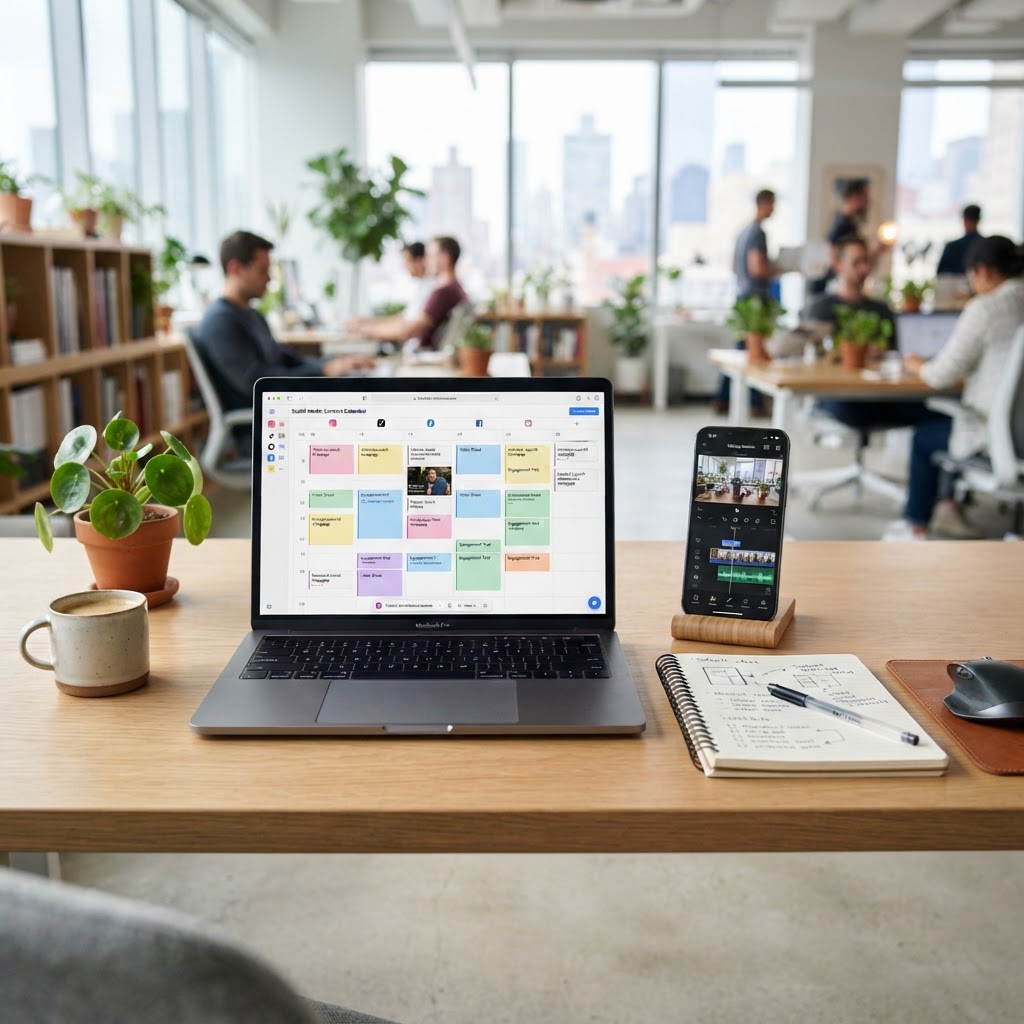
At a minimum, your calendar should include the date, the platform, the content pillar, the hook or caption draft, the status (e.g., filming, editing, scheduled), and a link to the final asset.
Ready to Take Your Content Strategy to the Next Level?
Building a calendar is the first step, but executing it consistently is where the real growth happens. If you are tired of the constant cycle of filming, editing, and posting, let the experts at Social Content Masters handle it for you. From scripting and filming to professional editing and distribution, we help Las Vegas businesses turn their social media presence into a lead-generation machine. Book a Content Mastery Session today to discuss how we can scale your brand with our done-for-you social media packages.
Want content like this made for your brand?
We script, film, edit, and post. You get your time back.
Book a Consultation